
 WeddingFlow PH
Your invitation looks perfect. But if it can’t tell you who’s actually coming, it’s only doing half the job.
A pretty invitation image can’t tell you who’s coming, and it won’t remind your tita from Batangas to reply. That’s a different job.
This guide covers what a real wedding RSVP website needs to do, what belongs on the form, and what Filipino couples should specifically look for.
Highlights
- A wedding RSVP website is different from your invitation—it’s where guests actually confirm and you track their answers.
- Look for real-time tracking, household-based headcounts, and editable responses, not just a pretty form.
- Keep your RSVP form short—form length alone is blamed for over a quarter of all abandoned forms online.
- A personal phone call still beats another automated reminder for guests who go quiet.
What Is a Wedding RSVP Website, Exactly?
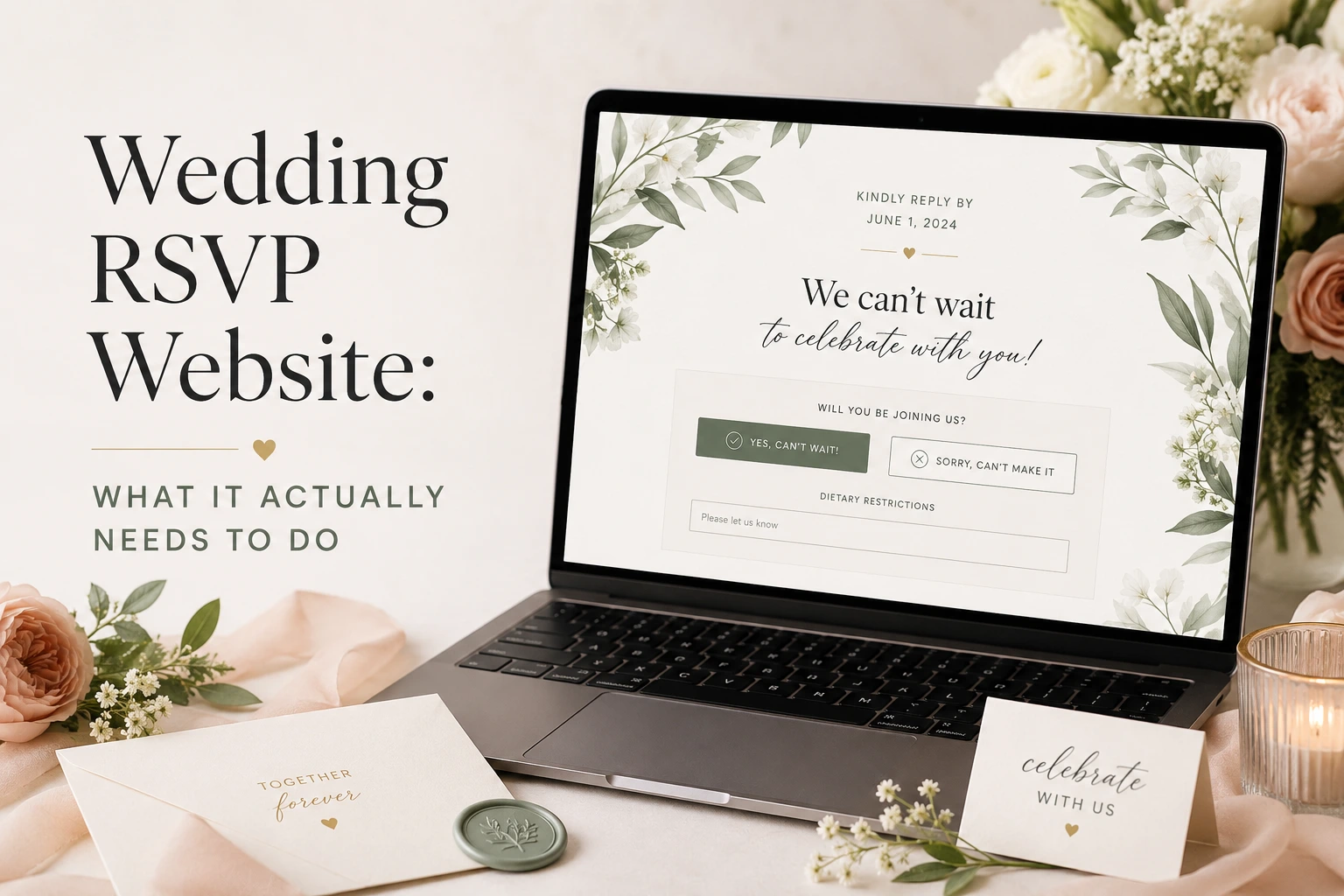
A wedding RSVP website is a dedicated link where each guest confirms whether they’re coming, how many are attending, and answers any extra questions you’ve added. Every response lands in a dashboard you can check anytime.
That’s different from what couples often mix it up with:
- A static invitation image, which guests can only reply to by texting you back manually.
- A generic form tool, which collects answers but isn’t tied to your invitation or guest list.
- A true RSVP website, which ties your invitation, guest list, and tracking into one link.
In the Philippines, that link almost always opens inside Viber or Messenger, not a desktop browser. Messenger reaches about 95% of the population here, and Viber close to 71%, among the highest messaging penetration rates in the world. So mobile performance matters more here than almost anywhere else.
Why Filipino Couples Need One
Filipino weddings commonly run 100 to 300 guests or more, spread across provinces, sponsors, and relatives working abroad. That’s a lot of people to track by memory or group chat.
A good RSVP website won’t stop every bit of chaos. Guests will still confirm and go quiet, and some will still show up with extra people in tow. But it gives you one real number for your caterer, instead of a guess pieced together from scattered replies.
It also matters for your ninong and ninang, whose names deserve to stand out, not get buried in a long general guest list.
The Features That Separate a Real RSVP Website From a Basic Form
Core Features You Actually Need
- Real-time dashboard—every response shows up instantly, no spreadsheet refresh needed.
- Household-based headcounts—one RSVP per household, not per guest, so no one gets double-counted.
- Editable responses—guests can update an answer if plans change, without you deleting and re-adding them.
- Automated reminders—a message that goes out on its own to non-responders, cutting your manual follow-up work.
- Exportable guest data—a clean list you can hand your caterer or coordinator without retyping anything.
What Your RSVP Form Should Actually Ask
Keep the form short. Every extra question is a chance for a guest to give up halfway, and form length alone gets blamed for more than a quarter of all abandoned online forms. Here’s what actually belongs on it:
- Attendance confirmation—a simple yes or no, the only field that’s truly required.
- Number of guests attending, capped at the household’s invited count, to stop uninvited plus-ones from slipping through.
- Meal preference or dietary restriction—it’s common for event caterers to ask this upfront, since sorting out meal counts the week of the wedding is harder for everyone.
- One short, optional note for well-wishes. Keep custom questions to one or two—stacking on more is exactly the kind of thing that pushes guests to abandon the form.
Skip anything that makes guests stop and look something up, like a hotel confirmation number. Once a guest has to pause, they’re far more likely to close the tab than come back to it.
Filipino-Specific Features Worth Checking For
- A separate ninong/ninang section, apart from the general guest list, so sponsors get proper acknowledgment.
- A built-in GCash or Maya QR code for your gift section, tied to the same link instead of a separate image sent later.
- Support for more than one event, useful if you’re also inviting guests to a rehearsal dinner or welcome party.
- Flexible reminder timing, which helps for relatives working abroad in a different time zone.
How RSVP Tracking Actually Works, Day to Day
Once your invitations go out, your dashboard fills up on its own—confirmed, declined, no response, and a running headcount, all in one view.
Check it regularly, not just once. A household confirming for more guests than invited is worth catching early, before it turns into a seating or catering problem.
Small changes, like a meal preference, should be editable directly. If a guest needs to start over completely, use a full reset instead of deleting and re-adding them.
Set your deadline 3 to 4 weeks before the wedding, and build in a 10% buffer on your final count once the dashboard closes. Even with reminders running on their own, some guests will still need a personal call, and that call usually works better than one more automatic nudge.
Choosing the Right Wedding RSVP Website for Your Wedding
Run any platform you’re considering through this checklist first:
- Does it work fully inside a browser, with nothing for guests to download?
- Does it load quickly on mobile data, not just Wi-Fi?
- Is support available on Philippine time, in case something breaks close to your wedding day?
Most global RSVP tools solve the tracking part fine. What they miss is the cultural part: sponsor handling, local payment methods, and a multi-generational guest list. That’s the gap our full guide to digital invitations covers in more depth.
WeddingFlowPH was built around this checklist: a real-time dashboard, a dedicated sponsor section, and a built-in GCash and Maya QR code, starting at ₱500, one-time, with no monthly fees.
Common Mistakes Couples Make With Their RSVP Website
- Treating the invitation image as the RSVP tool—guests can’t respond to a JPG.
- Stacking on too many custom questions, which quietly lowers completion.
- Forgetting to cap the guest count per household, which is how uninvited plus-ones sneak in.
- Setting the deadline too close to the wedding, leaving no room for follow-up or your buffer.
- Letting ninong and ninang responses get lost in the general guest list instead of a section of their own.
- Assuming reminders alone will close out every non-responder, when a quiet guest usually just needs a call.
Still deciding how to send your invitations? Our sending guide covers that part.
Frequently Asked Questions
Is a wedding RSVP website the same as a wedding invitation?
They could be, yes. However, many just do a static online invitation. Your invitation is what guests see first. Your RSVP website is where they respond and where you track it.
Can one RSVP website handle more than one wedding event?
Yes, on platforms that support it—like WeddingFlow PH—useful if you’re inviting a smaller group to a rehearsal dinner or welcome party.
Do RSVP websites work for guests without smartphones?
Yes, they do, but they’d need to open it on a desktop. A printed card or a personal call still belongs in the mix for them—see our digital versus printed invites comparison for the full breakdown.
How far in advance should the RSVP website go live?
Most couples share the RSVP link with the full invitation, 6 to 8 weeks out, deadline at 3 to 4 weeks. To catch early responses from out-of-town guests, you can activate the website itself earlier, alongside your save-the-dates.
Conclusion
A wedding RSVP website isn’t just a nice add-on. It’s what actually tells you who’s coming, in real time, without chasing 200 people by hand. What matters most: a live dashboard, household-based headcounts, editable responses, and a form short enough that guests actually finish it.
For Filipino couples, add two more: a dedicated space for your ninong and ninang, and a built-in GCash or Maya QR code. Get those right, and your RSVP process runs itself, mostly.
Ready to set one up? WeddingFlow PH gives you a wedding RSVP website built for Filipino weddings, with real-time tracking, sponsor sections, and local payment support, all from one link starting at ₱500, one-time. Create yours today!.
Disclaimer: This article is for general informational purposes only. Features, pricing, and integrations for WeddingFlow PH and any third-party platforms, payment providers, or messaging apps mentioned here are subject to change without notice—always confirm current details directly with the provider before making a decision. Guest response behavior, RSVP accuracy, and vendor coordination depend on individual actions and are not guaranteed outcomes of using any RSVP tool, including WeddingFlow PH. Statistics referenced are sourced from public data as of publication and may have since been updated.